
Demo center
Check out our main features. This is what it's all about
Instead of letting you watch a 30-minute webinar, we assembled the core features that make our product valuable. Jump right into it, see how it works, understand what we can deliver, and how it can manage your growth strategy.
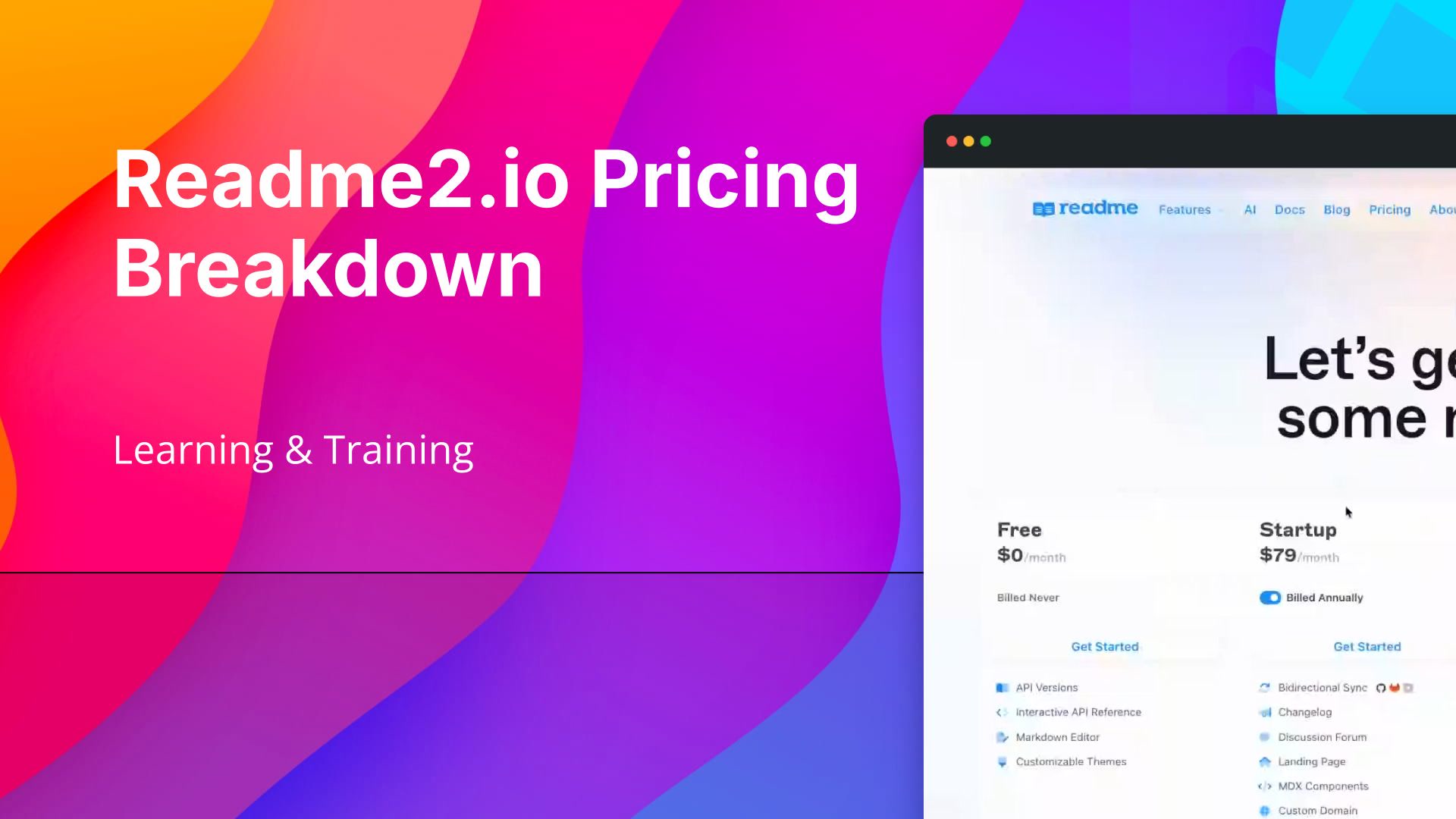 0:37Compare Readme.io Plans by Features and Billing CycleThe Readme.io pricing page presents all plans in one place, with documentation features laid out across their respective tiers for easy comparison. You can toggle between annual and monthly billing to see how pricing shifts across every plan. Reviewing the full feature breakdown alongside billing options gives you a clear picture of what each tier includes and what you will pay.
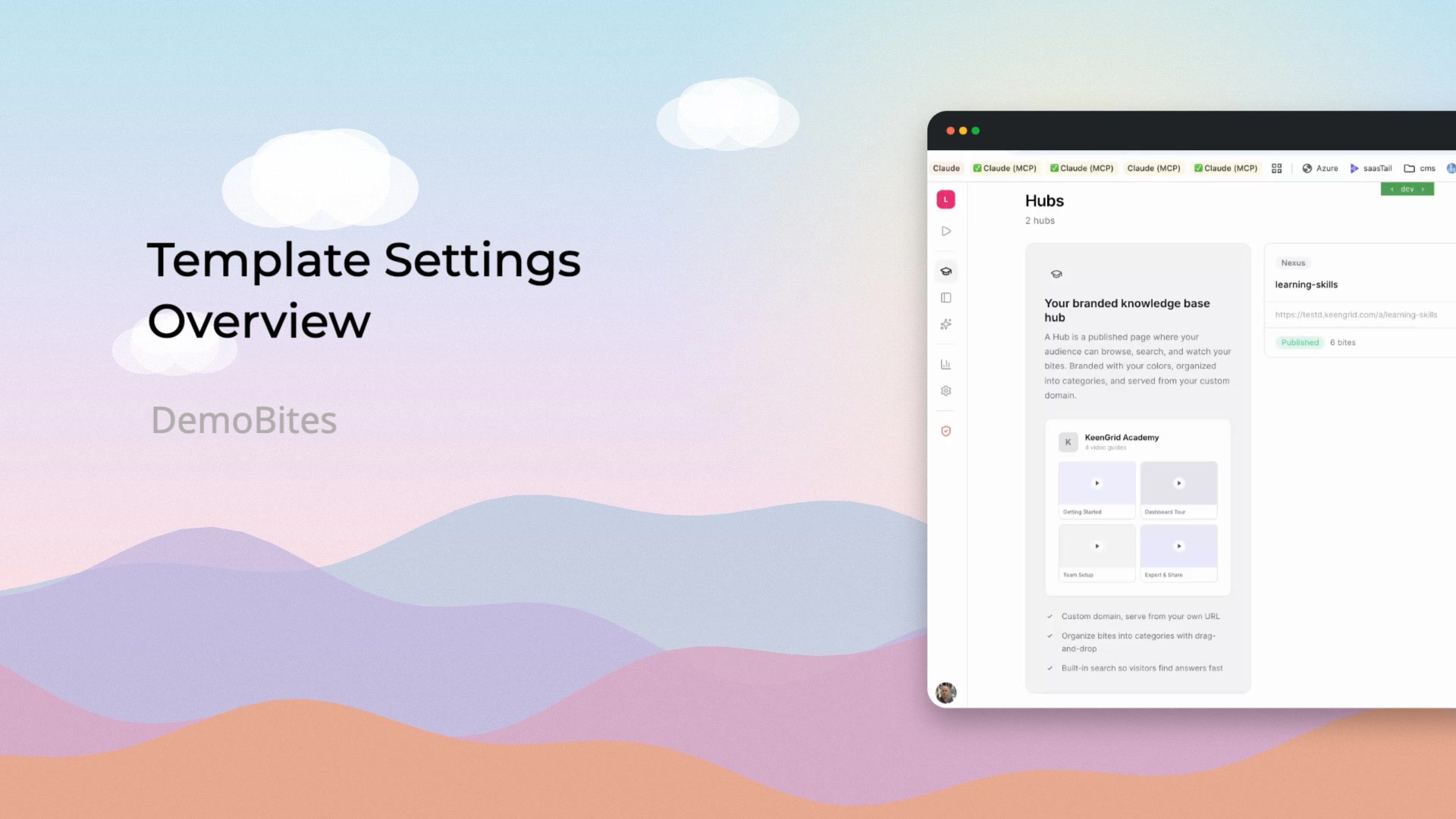 0:26Access and Configure Template SettingsA walkthrough of the template settings area, covering how to browse and select templates, then configure header, hero header, color, and footer options. It also shows how to choose between a car or model perspective.
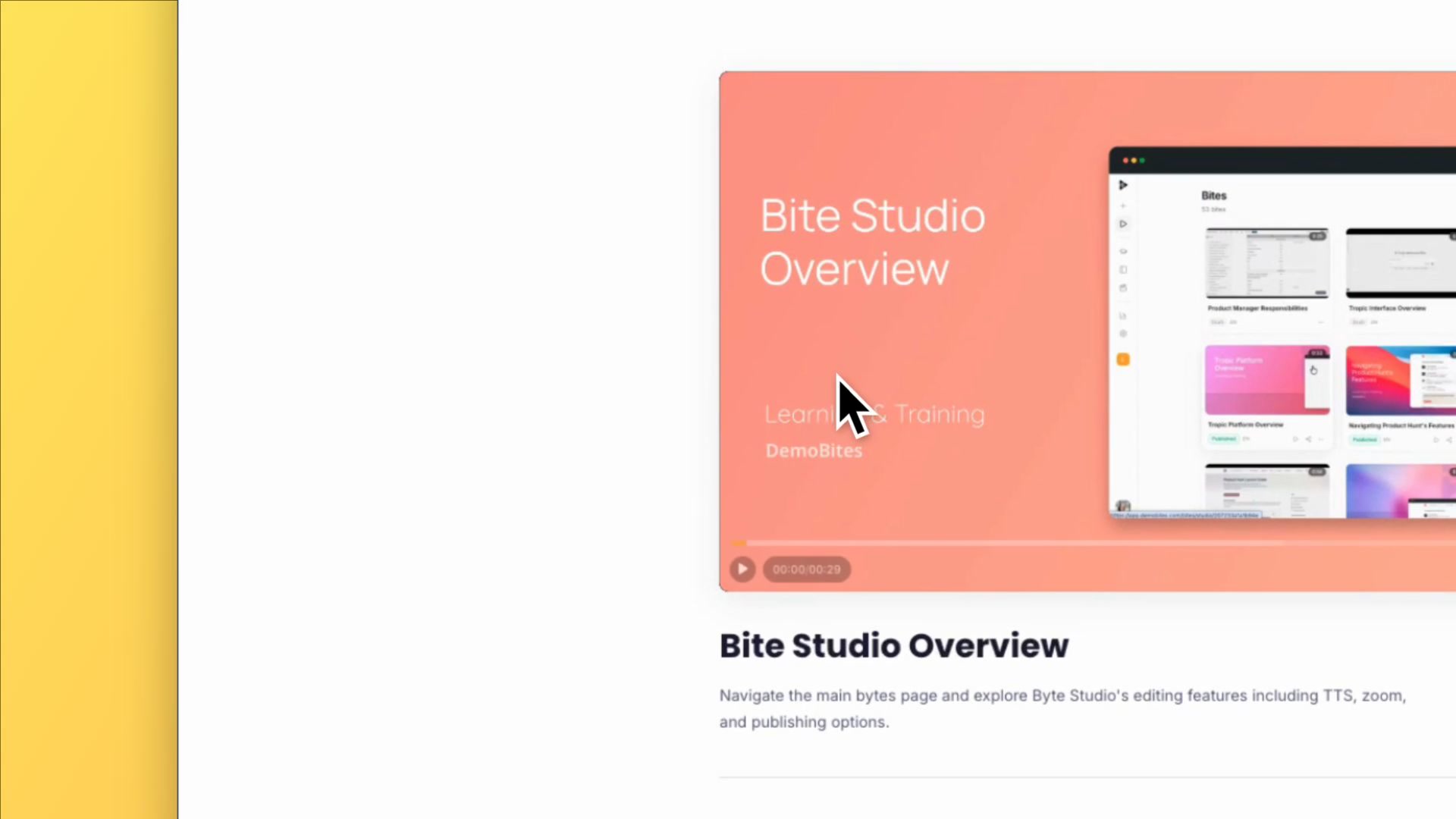 0:21Review Academy Course Content in One PlaceThe Academy inner page centers on a main video player alongside a short description. Below that, you'll find more videos and supplementary learning materials curated for the individual user, making it easy to keep learning without leaving the page.
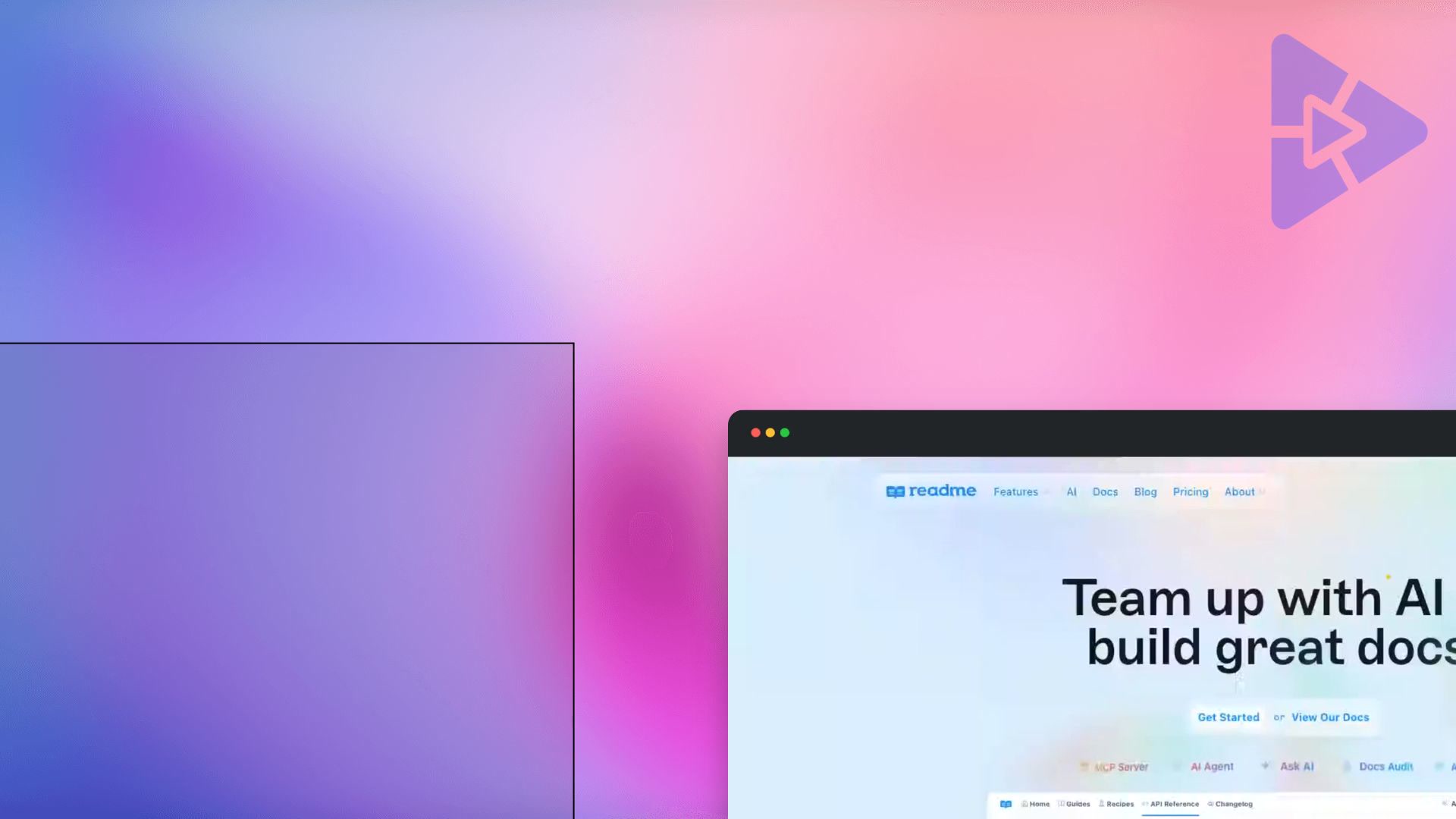 0:25Explore Readme.io's AI Documentation ToolsThis walkthrough covers Readme.io's main recording page, highlighting its core offerings for documentation teams. Key features shown include the one-click MCP server, an AI agent, Ask AI, docs audit, and the AI linter tool for maintaining content quality.
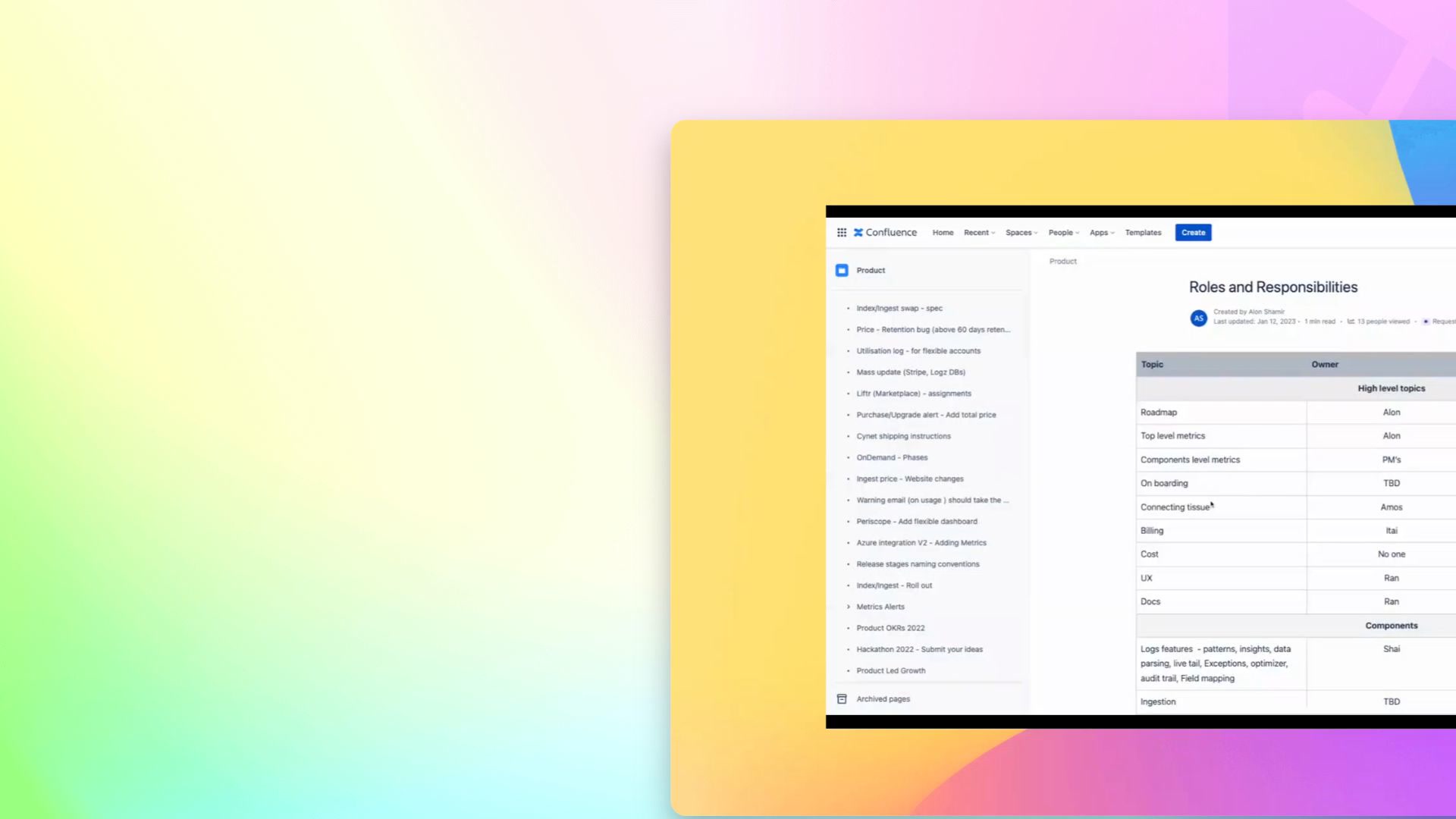 0:29Understand How Responsibilities Are OrganizedA walkthrough of how responsibilities are organized by product area within the system. It touches on patterns and insights across responsibilities, including policy, life exceptions, and optimize.
 0:29See Who Owns Which Product AreaThis walkthrough covers the Roles and Responsibilities page, where product manager duties are laid out by area. It highlights how one PM's responsibilities span Patterns, Insights, Data Parsing, Live Tail, Exceptions, and the Optimizer, illustrating how ownership is organized across the team.
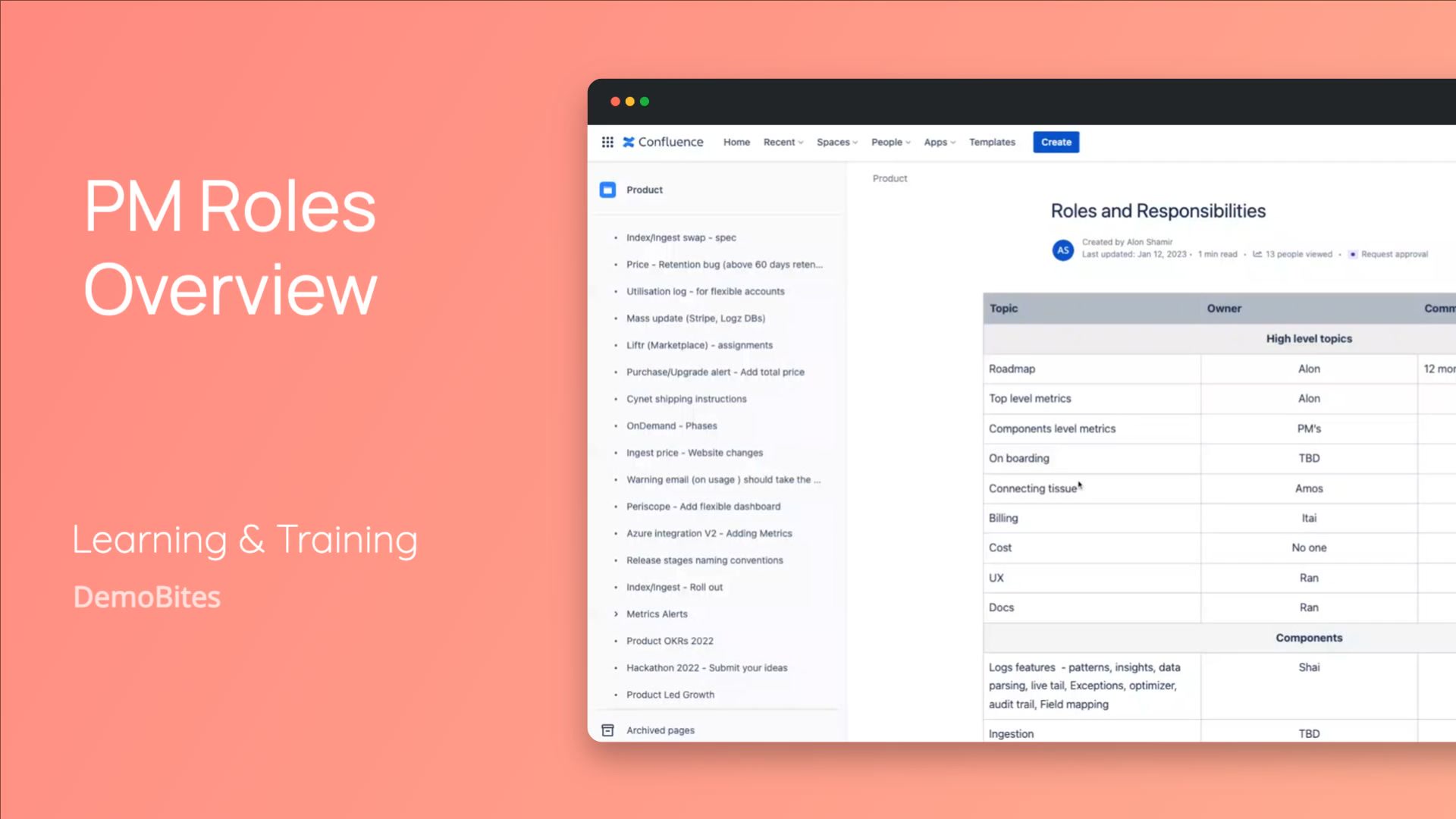 0:29See Who Owns Which Product AreaThe Roles and Responsibilities page lists which product manager is responsible for each area of the product. It gives a clear, centralized view of ownership across the product suite, using one PM's assigned areas as an example.
Playing all ·
Up next ·
01Compare Readme.io Plans by Features and Billing Cycle0:37
Compare Readme.io Plans by Features and Billing Cycle0:3702Access and Configure Template Settings0:26
Access and Configure Template Settings0:2603Review Academy Course Content in One Place0:21
Review Academy Course Content in One Place0:2104Explore Readme.io's AI Documentation Tools0:25
Explore Readme.io's AI Documentation Tools0:2505Understand How Responsibilities Are Organized0:29
Understand How Responsibilities Are Organized0:2906See Who Owns Which Product Area0:29
See Who Owns Which Product Area0:2907See Who Owns Which Product Area0:29
See Who Owns Which Product Area0:29